


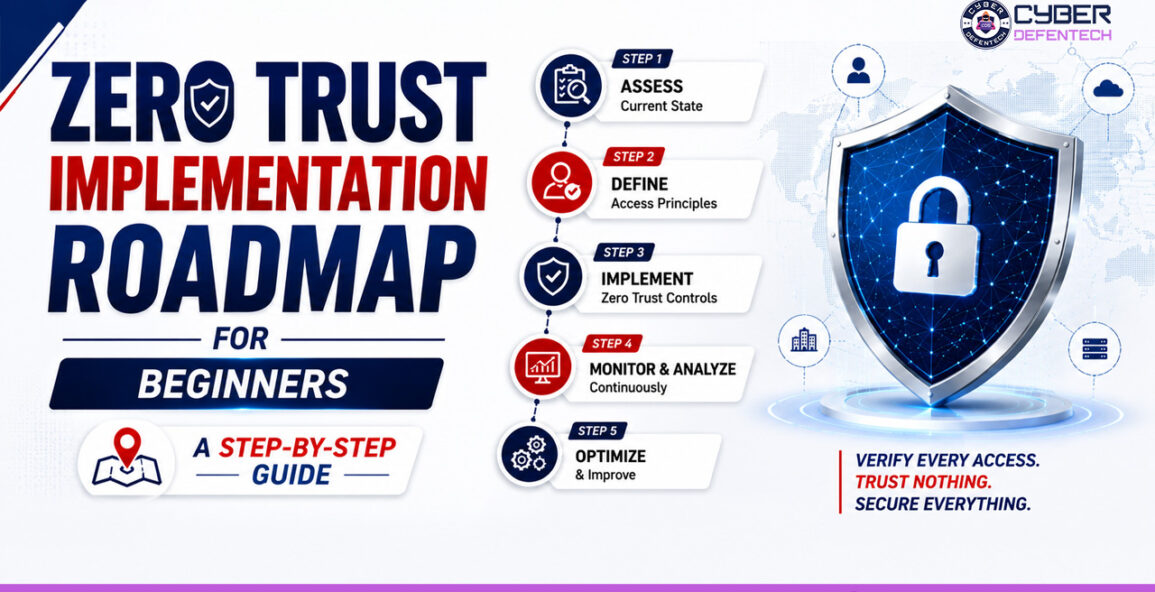
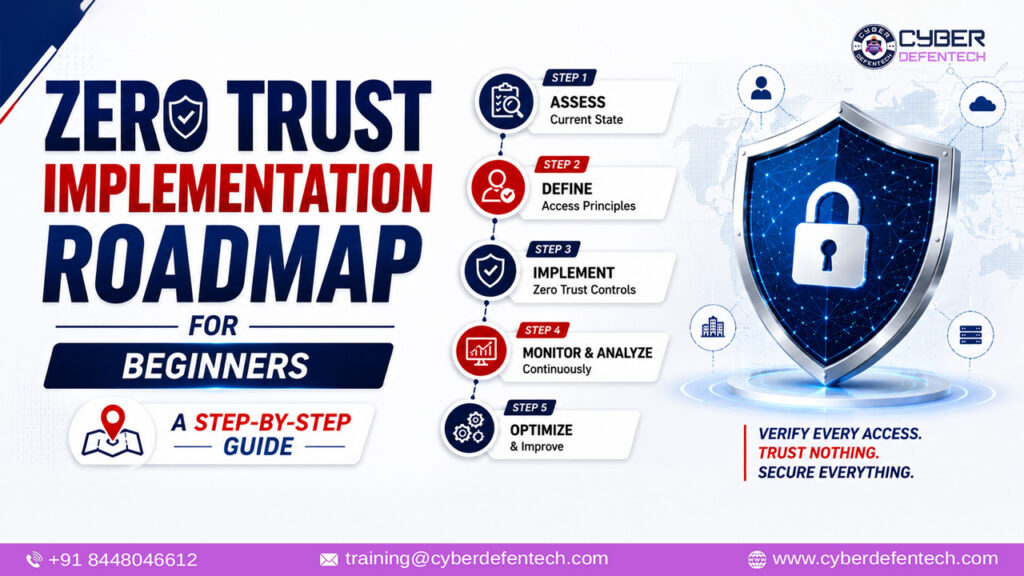
Zero Trust Implementation Roadmap for Beginners: A Step-by-Step Guide
By Cyber Defentech
Introduction
Not long ago, protecting a company meant building a strong wall around the office network. Anyone inside the wall was trusted, and anyone outside was not. Today, that model has stopped working. Employees work from home, business applications run in the cloud, vendors connect from different countries, and attackers regularly use stolen passwords to walk straight through the front door without breaking anything.
In this new reality, simply having a firewall is not enough. A single phishing email can give an attacker valid credentials, and in a traditional network, that one login can open the way to servers, files, and sensitive customer data. This is exactly the problem that Zero Trust was designed to solve.
Zero Trust is built on a simple idea: never trust, always verify. Every user, device, and application must prove it is legitimate every time it asks for access, no matter where the request comes from.
However, for beginners, Zero Trust can feel confusing. Some vendors sell it as a product, some consultants describe it as a philosophy, and it is hard to know where to begin or what to do first.
That is why Cyber Defentech has created this guide. In the sections below, you will learn:
- What Zero Trust really means, in plain language
- Why organizations of every size need it today
- The core principles and five pillars behind it
- An easy 8-step implementation roadmap you can follow
- A sample timeline, common mistakes to avoid, and answers to frequently asked questions
Whether you are a small business owner, an IT administrator, a student, or a junior security professional, this roadmap will help you start your Zero Trust journey with clarity and confidence.
What Is Zero Trust?
Zero Trust is a security model built on one core principle: “Never trust, always verify.”
In a traditional network, a user or device that gets inside the perimeter is often trusted automatically. In a Zero Trust model, no user, device, or application is trusted by default, whether it sits inside or outside your network. Every access request must be verified, authorized, and continuously evaluated before access is granted.
The best-known reference for this approach is NIST Special Publication 800-207, which defines Zero Trust Architecture. It describes a shift away from defending network perimeters toward protecting users, assets, and resources directly.
An important point for beginners: Zero Trust is not a single product you can buy. It is a strategy and a set of practices that combine identity controls, device security, network design, data protection, and continuous monitoring.
Why Do Organizations Need Zero Trust?
Several shifts in how we work have made the old perimeter model weak:
- Remote and hybrid work: Employees connect from home networks, cafes, and personal devices.
- Cloud adoption: Data and applications now sit in SaaS platforms and cloud providers, not just in your own data center.
- Credential theft: Phishing and stolen passwords let attackers appear as legitimate users.
- Lateral movement: Once attackers get into a flat network, they can move from system to system with little resistance.
- Third-party risk: Vendors, contractors, and partners often need access to internal resources.
Zero Trust reduces the damage from all of these. Even if one account or device is compromised, the attacker cannot freely roam through everything else.
The Core Principles of Zero Trust
Before the roadmap, understand the three principles behind every Zero Trust decision.
1. Verify Explicitly Always authenticate and authorize using all available data: user identity, location, device health, service, and the sensitivity of the data being accessed.
2. Use Least Privilege Access Give users only the access they need, for only as long as they need it. A marketing intern should not be able to open the finance database.
3. Assume Breach Design your systems as if an attacker is already inside. Limit the blast radius, segment access, encrypt data, and monitor continuously so threats are found quickly.
The Five Pillars of Zero Trust
Many frameworks, including the CISA Zero Trust Maturity Model, organize Zero Trust around a set of pillars. For beginners, these five are the easiest to work with:
- Identity: Who is requesting access?
- Devices: What are they using, and is it secure?
- Networks: How is the traffic flowing, and is it segmented?
- Applications and Workloads: What are they trying to reach?
- Data: What information needs the most protection?
Visibility, analytics, and automation run across all five. Your roadmap should gradually improve each pillar.
Zero Trust Implementation Roadmap: 8 Steps for Beginners
Here is a practical, phased approach. You do not need to do everything at once. Zero Trust is a journey, not a weekend project.
Step 1: Define Your Goals and Get Leadership Buy-In
Start with the “why.” Ask yourself:
- What are we trying to protect?
- What are our biggest risks (ransomware, data leaks, insider threats)?
- Are there compliance requirements such as ISO 27001, HIPAA, PCI DSS, or local data protection laws?
Then involve leadership early. Zero Trust affects how people log in, how devices are managed, and how systems are connected. Without management support, projects stall. Present Zero Trust as a risk reduction and business enablement initiative, not just an IT expense.
Beginner tip: Pick two or three clear goals, such as “protect customer data” and “secure remote access,” and measure progress against them.
Step 2: Identify and Map Your Assets
You cannot protect what you do not know you have. Build an inventory of:
- Users: Employees, contractors, vendors, admins, service accounts
- Devices: Laptops, phones, servers, IoT devices, printers
- Applications: On-premises, cloud, SaaS, and custom-built apps
- Data: Customer records, financial data, intellectual property, credentials
Next, classify your data by sensitivity (for example, public, internal, confidential, restricted). Identify your “protect surface,” the small set of most critical data, assets, applications, and services (often called DAAS). This is much more manageable than trying to defend your entire attack surface.
Step 3: Strengthen Identity and Access Management (IAM)
Identity is the new perimeter, so this is the best place for beginners to start and the area with the biggest quick wins.
Key actions:
- Enable Multi-Factor Authentication (MFA) for every user, starting with administrators, email, VPN, and cloud apps. Where possible, prefer phishing-resistant methods such as FIDO2 security keys or passkeys over SMS codes.
- Adopt Single Sign-On (SSO) to centralize authentication and reduce password fatigue.
- Implement Role-Based Access Control (RBAC) so permissions match job roles.
- Remove unused and excess accounts. Review stale accounts, shared logins, and over-privileged users.
- Secure privileged accounts with Privileged Access Management (PAM) and just-in-time access.
If you only do one thing from this entire roadmap, make it MFA everywhere.
Step 4: Secure and Verify Your Devices
A valid password on a compromised laptop is still a risk. Zero Trust checks both the user and the device.
Key actions:
- Maintain a device inventory and enroll company devices in a management tool (MDM or endpoint management).
- Deploy Endpoint Detection and Response (EDR) or a reputable endpoint protection solution.
- Enforce device health checks before granting access: updated OS, encryption enabled, security software running.
- Apply patches promptly and enforce disk encryption.
- Create a clear policy for BYOD (Bring Your Own Device), such as limiting access from unmanaged devices to specific low-risk apps.
Step 5: Segment Your Network and Limit Lateral Movement
In a flat network, one compromised machine can lead to many others. Segmentation breaks the network into smaller zones so a breach stays contained.
Key actions:
- Start with basic network segmentation, separating user devices, servers, guest Wi-Fi, and IoT devices using VLANs and firewall rules.
- Move toward microsegmentation, where individual workloads or applications have their own access rules.
- Replace broad VPN access with Zero Trust Network Access (ZTNA), which gives users access to specific applications rather than the entire network.
- Encrypt traffic in transit using TLS everywhere, including internal traffic.
- Use DNS filtering and secure web gateways to block malicious destinations.
Beginner tip: You do not need microsegmentation on day one. Good basic segmentation delivers real value.
Step 6: Protect Applications and Data
Ultimately, attackers want your data. Zero Trust focuses controls around it.
Key actions:
- Encrypt data at rest and in transit.
- Apply Data Loss Prevention (DLP) policies to detect and block sensitive data leaving the organization.
- Use application-level access controls so each app checks identity and context for every session.
- Secure your cloud environment with proper configuration, using Cloud Security Posture Management (CSPM) tools to catch misconfigurations such as public storage buckets.
- Follow secure development practices and regularly scan applications for vulnerabilities.
- Maintain immutable, tested backups to recover from ransomware.
Step 7: Build Policies and Enforce Them Consistently
Zero Trust relies on policy decisions made in real time. A simple way to think about it: who can access what, from which device, under what conditions.
Examples of Zero Trust policies:
- Admins can access servers only from managed devices with MFA.
- Finance applications are accessible only from corporate-compliant laptops in approved regions.
- Access from an unusual location or an unrecognized device triggers step-up authentication or is blocked.
- Contractors receive time-limited access to only the systems they need.
Use Conditional Access features available in most modern identity platforms. Document every policy, and review them regularly.
Step 8: Monitor, Analyze, and Continuously Improve
Zero Trust is never “finished.” Because you assume breach, you must watch for it constantly.
Key actions:
- Centralize logs from identity, endpoints, networks, and cloud services into a SIEM or a managed monitoring service.
- Use User and Entity Behavior Analytics (UEBA) to detect unusual activity, such as a user downloading large amounts of data at 3 a.m.
- Build an incident response plan and practice it with tabletop exercises.
- Automate responses where possible, such as disabling a compromised account or isolating an infected device.
- Review access rights regularly and remove what is no longer needed.
- Track metrics: MFA coverage, patch compliance, mean time to detect, mean time to respond, and number of privileged accounts.
A Sample Phased Timeline
If you are wondering how long this takes, here is a realistic example for a small or mid-sized organization. Timelines vary depending on size and resources.
| Phase | Timeframe | Focus |
|---|---|---|
| Phase 1: Foundation | Months 1–3 | Asset inventory, data classification, MFA, SSO, remove stale accounts |
| Phase 2: Core Controls | Months 3–6 | Device management, EDR, network segmentation, conditional access |
| Phase 3: Advanced Protection | Months 6–12 | ZTNA, DLP, cloud security, privileged access management |
| Phase 4: Optimization | Ongoing | Monitoring, automation, microsegmentation, regular reviews |
Common Mistakes Beginners Should Avoid
- Treating Zero Trust as a product. No single tool delivers it. Be cautious of marketing claims.
- Trying to do everything at once. Start small, prove value, then expand.
- Ignoring user experience. Overly strict controls frustrate employees and encourage workarounds. Balance security and usability.
- Skipping the asset inventory. Without visibility, policies will have gaps.
- Forgetting legacy systems. Older applications may not support modern authentication. Plan compensating controls such as isolation and tight monitoring.
- Neglecting training. Employees are part of your defense. Teach them to recognize phishing and report suspicious activity.
- Setting it and forgetting it. Policies and access rights must be reviewed continuously.
Helpful Tools and Frameworks to Explore
- NIST SP 800-207: The foundational Zero Trust Architecture standard
- CISA Zero Trust Maturity Model: A practical guide to assess your progress across pillars
- Identity platforms: Microsoft Entra ID, Okta, Google Workspace identity
- Endpoint security: Microsoft Defender, CrowdStrike, SentinelOne
- ZTNA solutions: Cloudflare Access, Zscaler, Palo Alto Prisma Access
- SIEM and monitoring: Microsoft Sentinel, Splunk, Elastic
(Tool names are examples for learning purposes. Choose solutions that fit your budget, size, and existing environment.)
Frequently Asked Questions (FAQs)
Q1. Is Zero Trust only for large enterprises? No. Small and medium businesses can adopt Zero Trust in stages. Enabling MFA, managing devices, and limiting access are low-cost steps that deliver strong protection.
Q2. Does Zero Trust replace firewalls and VPNs? Not entirely. Firewalls still play a role, and many organizations gradually move from broad VPN access to ZTNA. Zero Trust adds layers on top of existing controls.
Q3. How much does Zero Trust implementation cost? It depends on your size, current tools, and goals. Many organizations already own features, such as conditional access or endpoint management, within their existing subscriptions. Start by using what you have.
Q4. How long does it take to implement Zero Trust? Most organizations take one to several years to mature fully, but meaningful improvements can happen within the first few months.
Q5. What is the first step in Zero Trust? Identify your critical assets and strengthen identity with MFA. These steps are practical, affordable, and high-impact.
Q6. Is Zero Trust the same as “no trust in employees”? No. It is not about distrusting people. It is about verifying every request because credentials and devices can be compromised, even for honest employees.
Conclusion
Zero Trust may sound complex, but at its heart it is a simple idea: verify everything, grant only the access that is needed, and always prepare for the possibility of a breach. For beginners, the secret is to start small and build steadily.
Begin by understanding what you need to protect. Secure identities with MFA, verify device health, segment your network, protect your data, enforce clear policies, and monitor continuously. Each step reduces risk and makes your organization more resilient against modern cyber threats.
Remember, Zero Trust is a journey, not a destination. Every improvement you make today closes a door that attackers would otherwise use tomorrow.
At Cyber Defentech, our mission is to make cybersecurity simple, practical, and accessible for everyone. Follow our blog for more beginner-friendly guides on network security, cloud security, ethical hacking, and incident response.
Ready to start your Zero Trust journey? Share this guide with your team, and begin with Step 1 today.
 Call/WhatsApp:

