- +91 84480 46612
- training@cyberdefentech.com
- +91 84480 46612
- training@cyberdefentech.com

- +91 84480 46612
- training@cyberdefentech.com
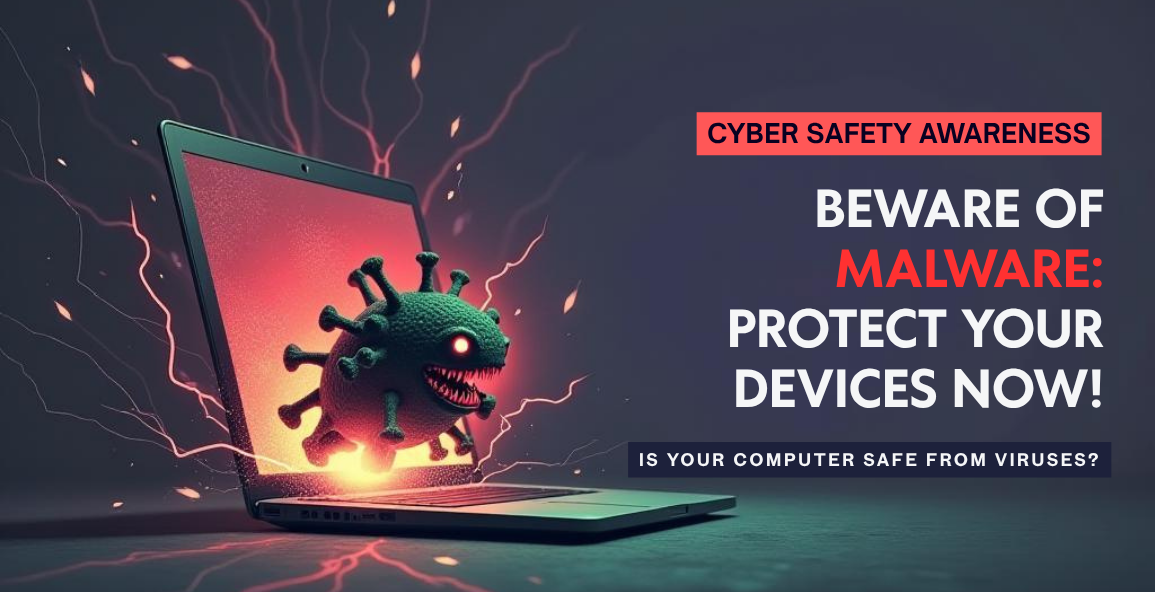
Malware is a hidden threat that can silently damage your system, steal sensitive information, and compromise your online safety. From ransomware locking your files to spyware tracking your every move, different types of malware target users in various harmful ways. In this blog, we’ll explain the main types of malware, how they operate, and most importantly—how you can stay protected in today’s digital world.
Malware is not a new concept it has been around for decades but as our dependency on technology increases, so too does the advanced and variety of these malicious programs. Understanding what malware is and the various forms of it can take is the first step toward protecting yourself and your data.
Malware refers to a malicious software that is created with the intention to:
It often enters a system through harmless means email attachments, software downloads, infected websites, or even USB drives. Once installed, malware can remain hidden while performing a range of harmful activities, from stealing login credentials to encrypting data for ransom.
Malware isn’t just an annoyance it can have serious consequences, including:
As cybersecurity measures have improved, so have malware techniques, making it essential to stay informed about the various types and their characteristics.
Malware comes in many forms, each with its own method of attack. Here are the most common types:

1. Viruses
A virus is one of the oldest and most well-known types of malware. It attaches itself to legitimate files or programs and spreads when the infected program is executed. Like a biological virus, it can replicate and spread to other systems.
Key traits:
2. Worms
Unlike viruses, worms do not need to attach themselves to a host file or require user interaction. They exploit vulnerabilities in networks or software to self-replicate and spread independently.
Key traits:
3. Trojans (Trojan Horses)
Named after the famous tale from Greek mythology, a Trojan disguises itself as legitimate software to trick users into installing it. Once inside, it can open the door for other types of malware or steal sensitive information.
Key traits:
4. Ransomware
Ransomware is one of the most financially destructive types of malware. It encrypts the victim’s data and demands payment (usually in cryptocurrency) to restore access.
Key traits:
Famous example: WannaCry ransomware attack in 2017 affected hundreds of thousands of computers worldwide.
5. Spyware
Spyware secretly monitors user activity and collects information such as keystrokes, browsing habits, and login credentials without consent.
Key traits:
6. Adware
While not always malicious, adware displays unwanted advertisements and can compromise privacy by tracking user behaviour. Some forms can be dangerous when bundled with spyware or used to redirect users to malicious websites.
Key traits:
7. Rootkits
A rootkit is a collection of software tools that give hackers root or administrative access to a system while hiding their presence. They are extremely difficult to detect and remove.
Key traits:
8. Keyloggers
Keyloggers are designed to record every keystroke a user makes, often to steal passwords, credit card numbers, or other sensitive data.
Key traits:
9. Bots and Botnets
A bot is an infected device that can be remotely controlled by a hacker. A botnet is a network of these bots working together, often used for coordinated attacks like DDoS (Distributed Denial-of-Service).
Key traits:
Understanding how malware spreads can help in prevention. Common vectors include:
To stay safe in a malware-ridden digital environment, follow these best practices:
Malware continues to be a challengeable threat in our increasingly connected world. From the silent spying of spyware to the high-stakes extortion of ransomware, the dangers are diverse and evolving. However, with awareness, proper security practices, and proactive defence mechanisms, individuals and organizations can significantly reduce their risk.
Understanding malware isn’t just for IT professionals anymore—it’s essential knowledge for anyone who uses a digital device. Stay informed, stay cautious, and stay protected.
EDUCATE | EVALUATE | INITIATE

Cyber Defentech offers comprehensive cybersecurity training and certifications, empowering professionals to safeguard digital environments against evolving cyber threats.